Password Login
An overview of password login and related settings for Immich.
Enable/Disable
Immich supports password login, which is enabled by default. The preferred way to disable it is via the Administration Page, although it can also be changed via a Server Command as well.
Administration Page
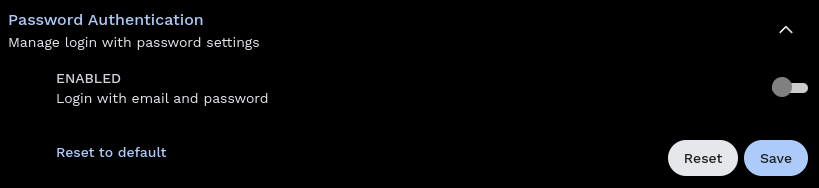
To toggle the password login setting via the web, navigate to the "Administration", expand "Password Authentication", toggle the "Enabled" switch, and press "Save".
Server Command
There are two Server Commands for password login:
enable-password-logindisable-password-login
See Server Commands for more details about how to run them.
Password Reset
Admin
To reset the administrator password, use the reset-admin-password Server Command.
User
Immich does not currently support self-service password reset. However, the administration can reset passwords for other users. See User Management: Password Reset for more information about how to do this.